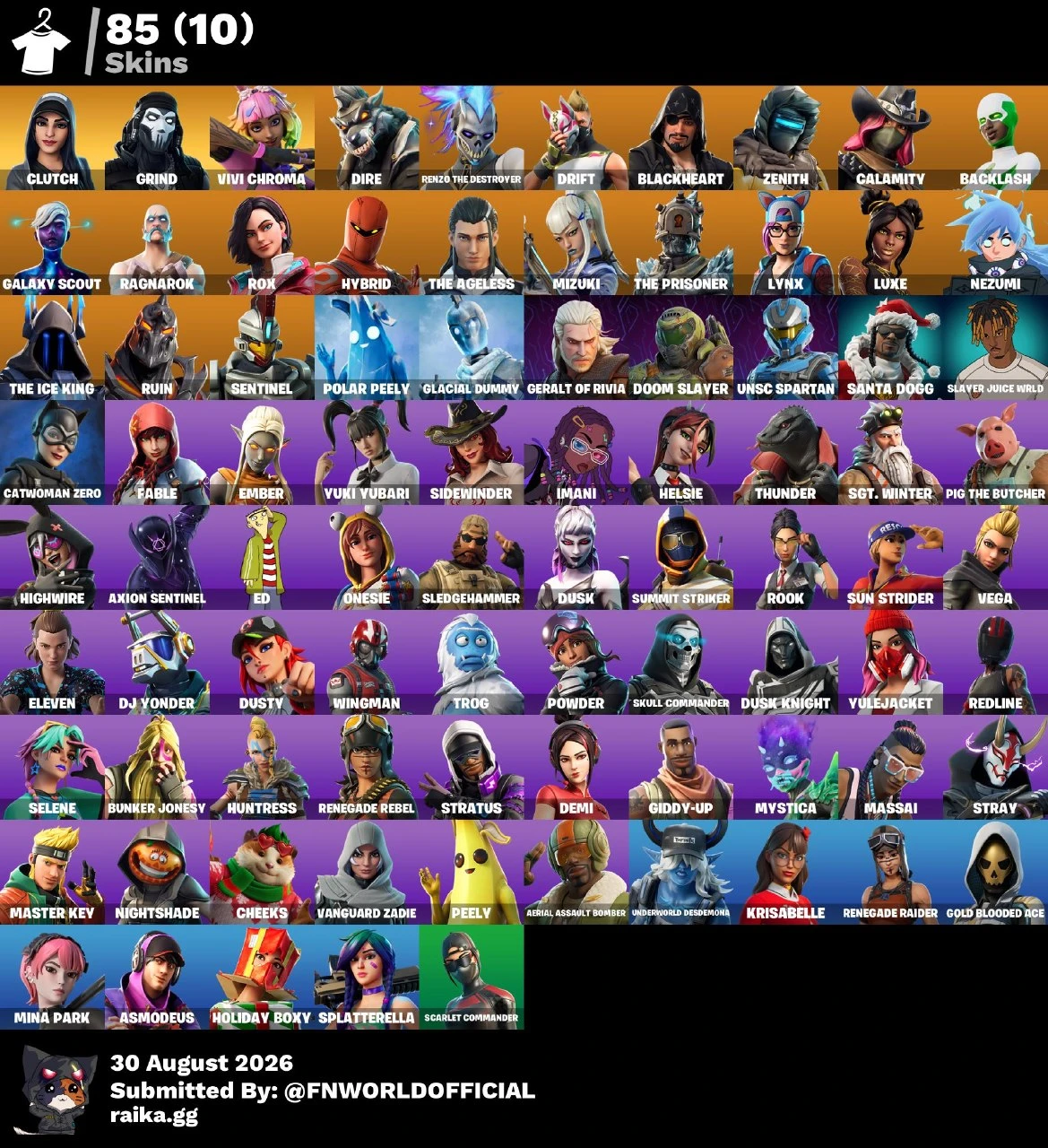
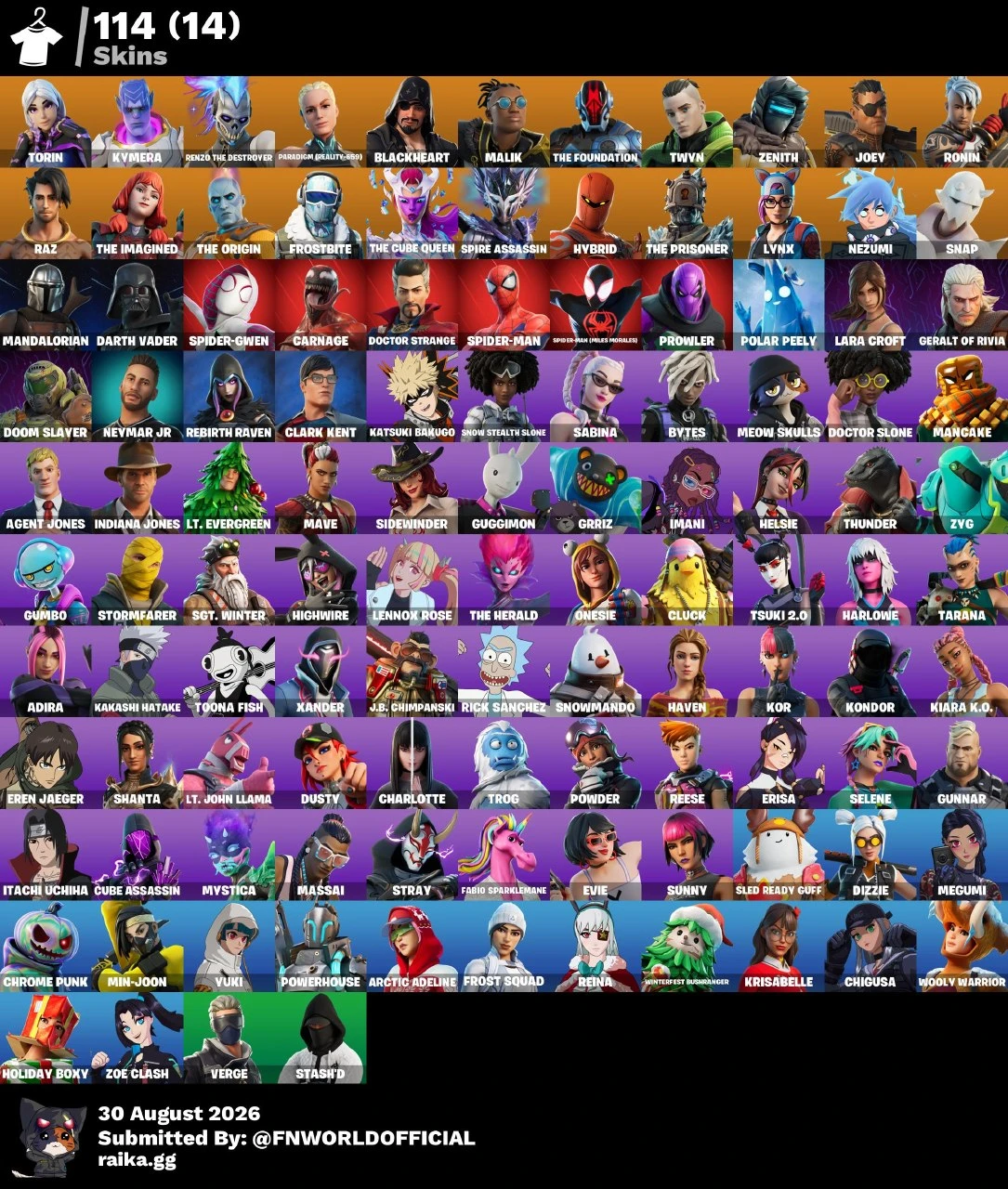
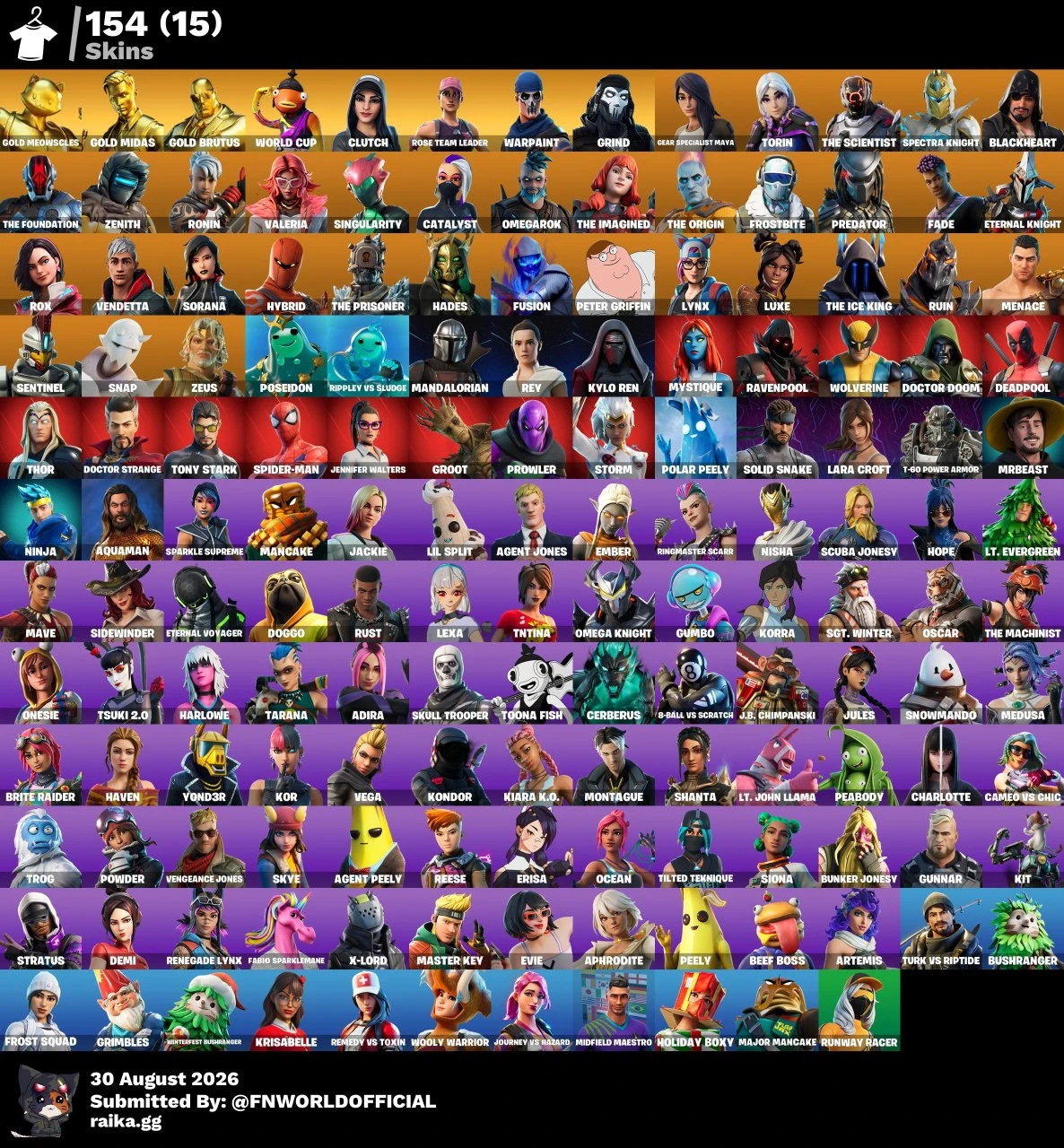
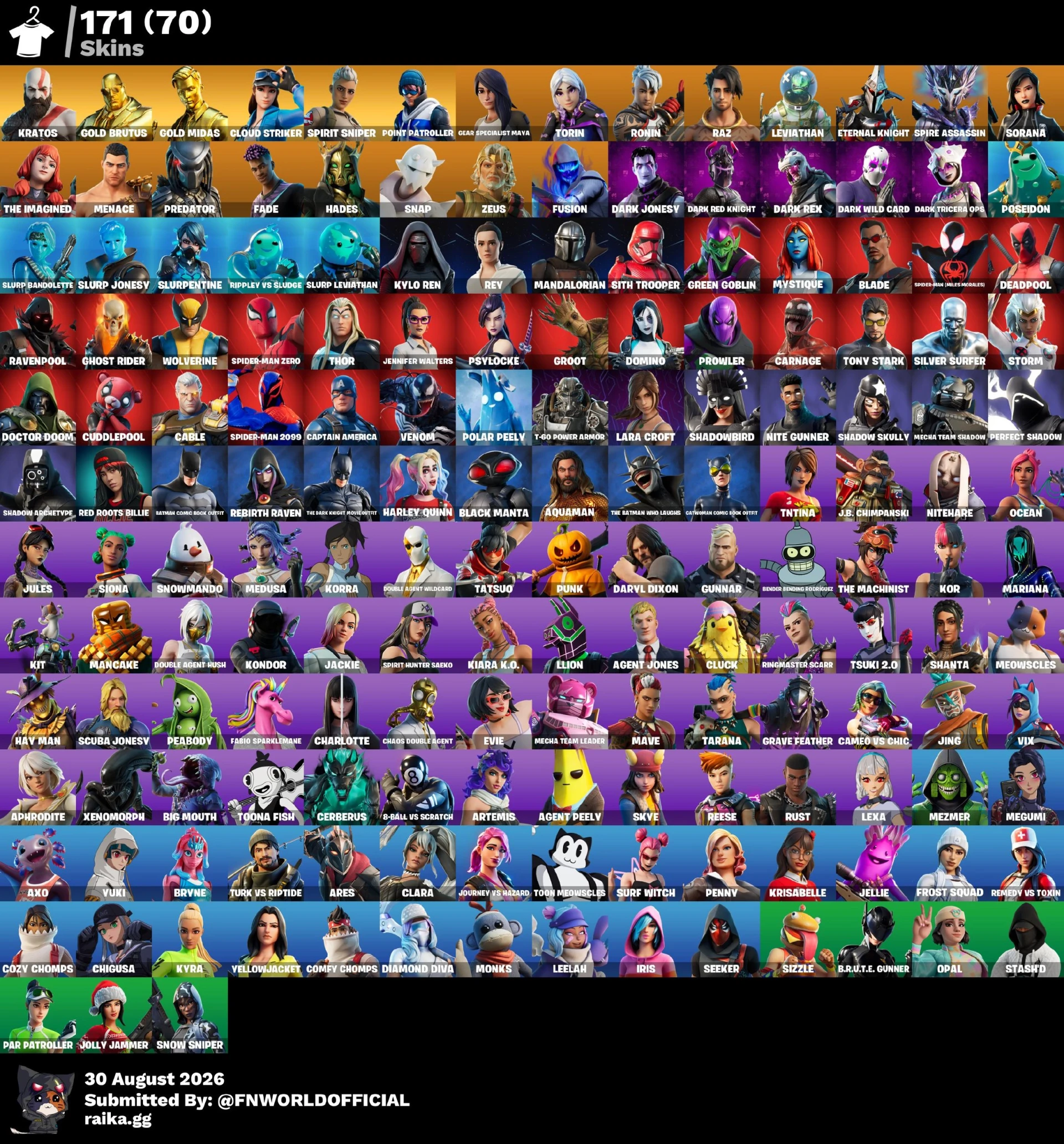
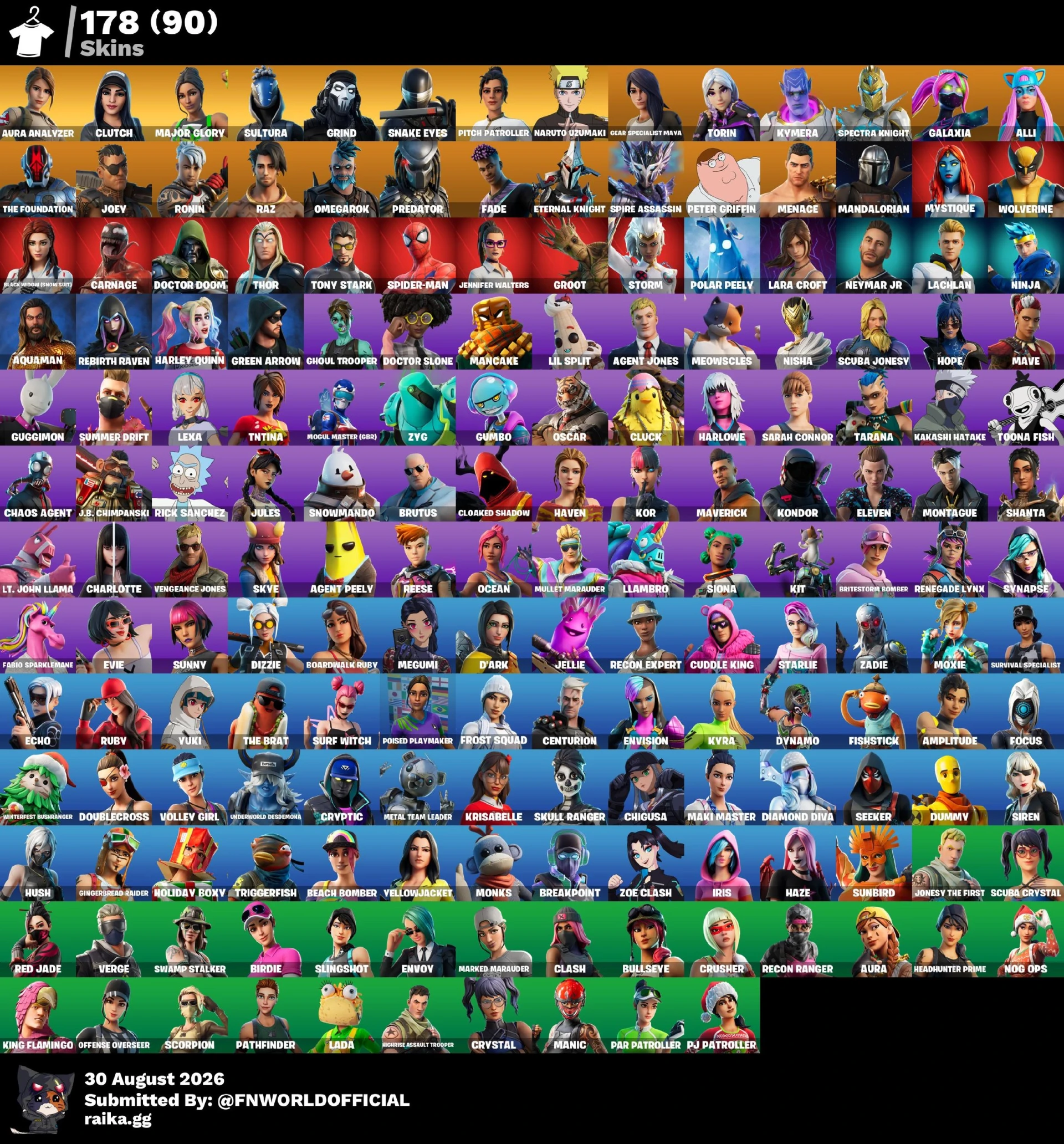
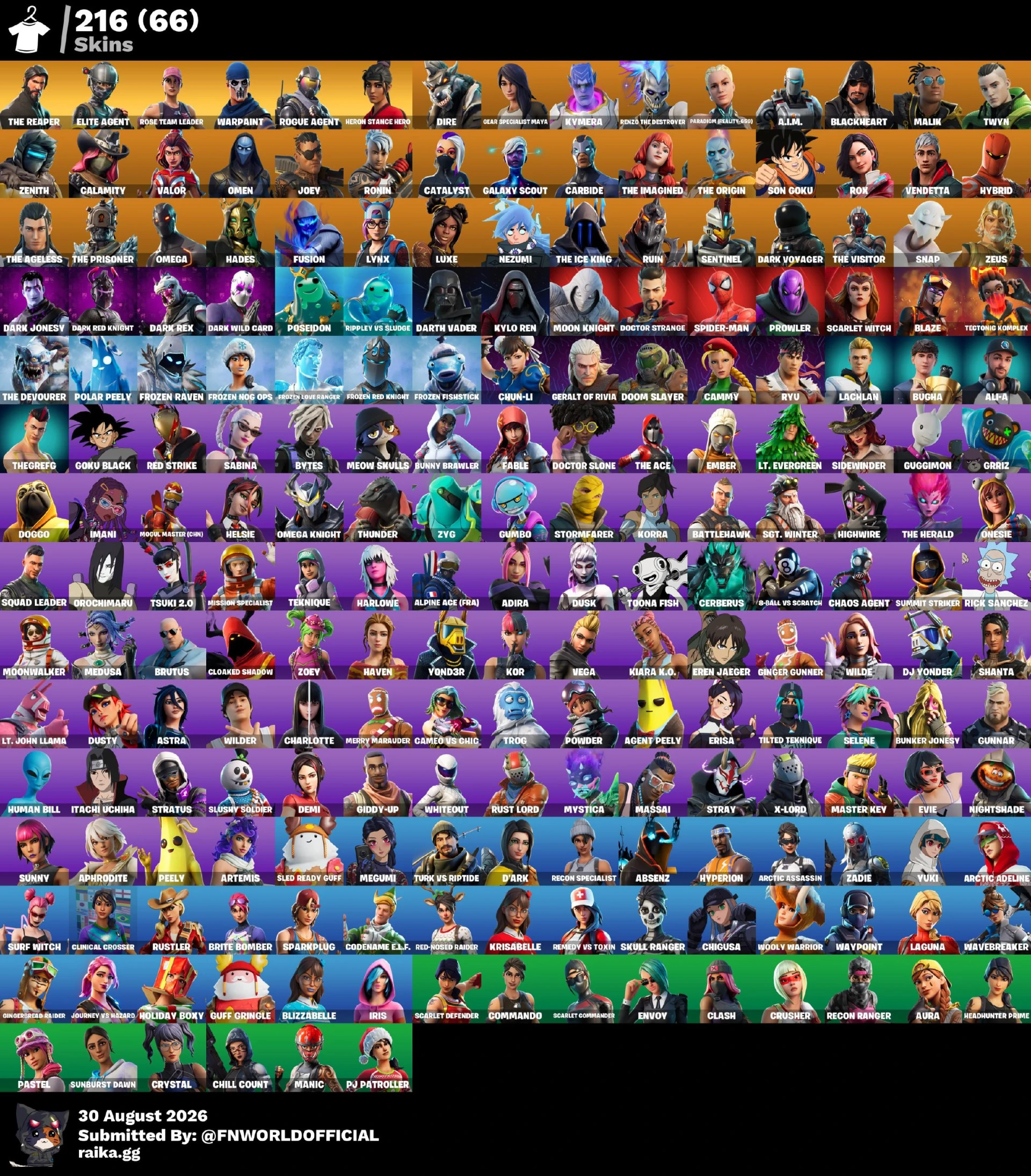
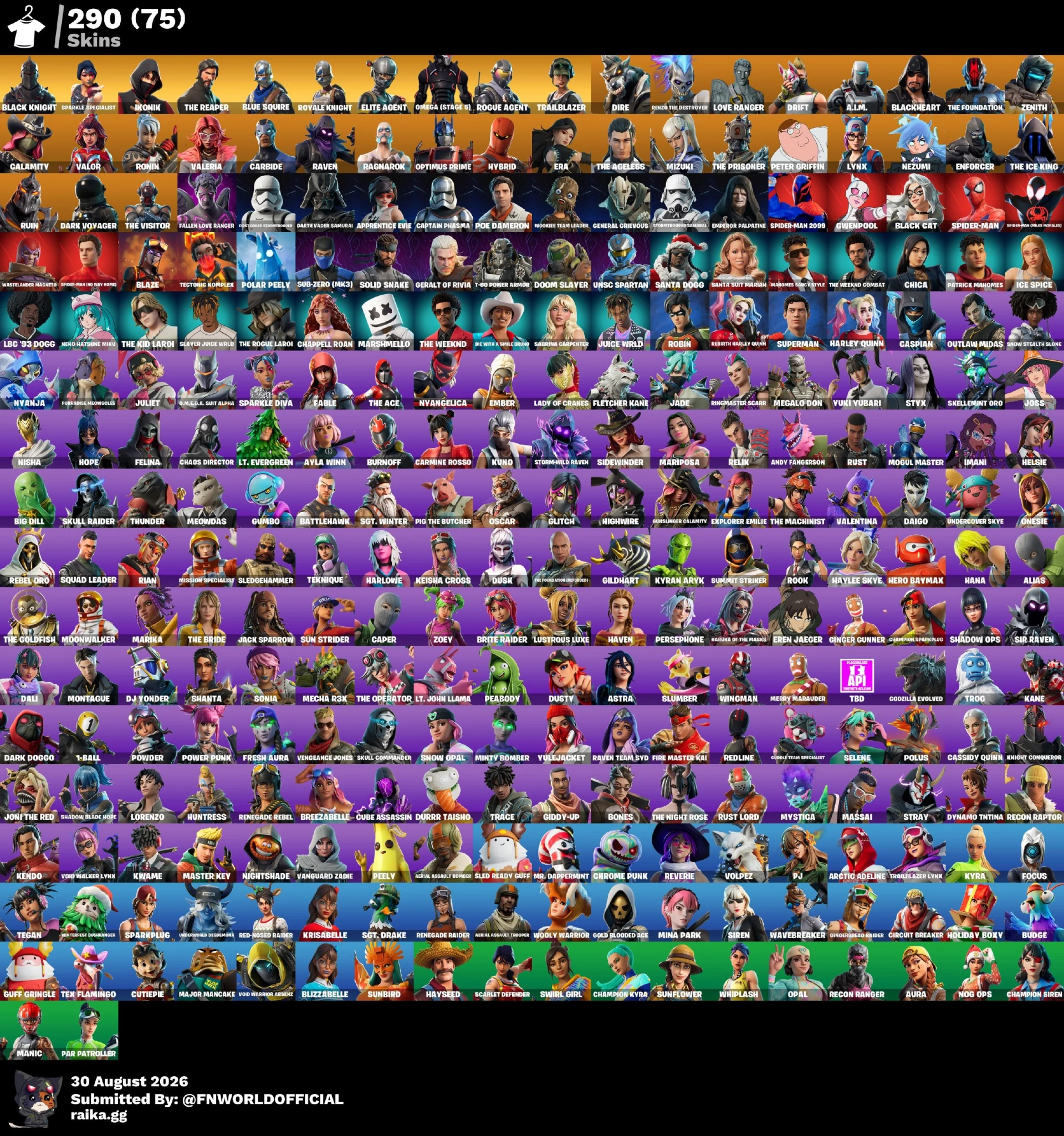
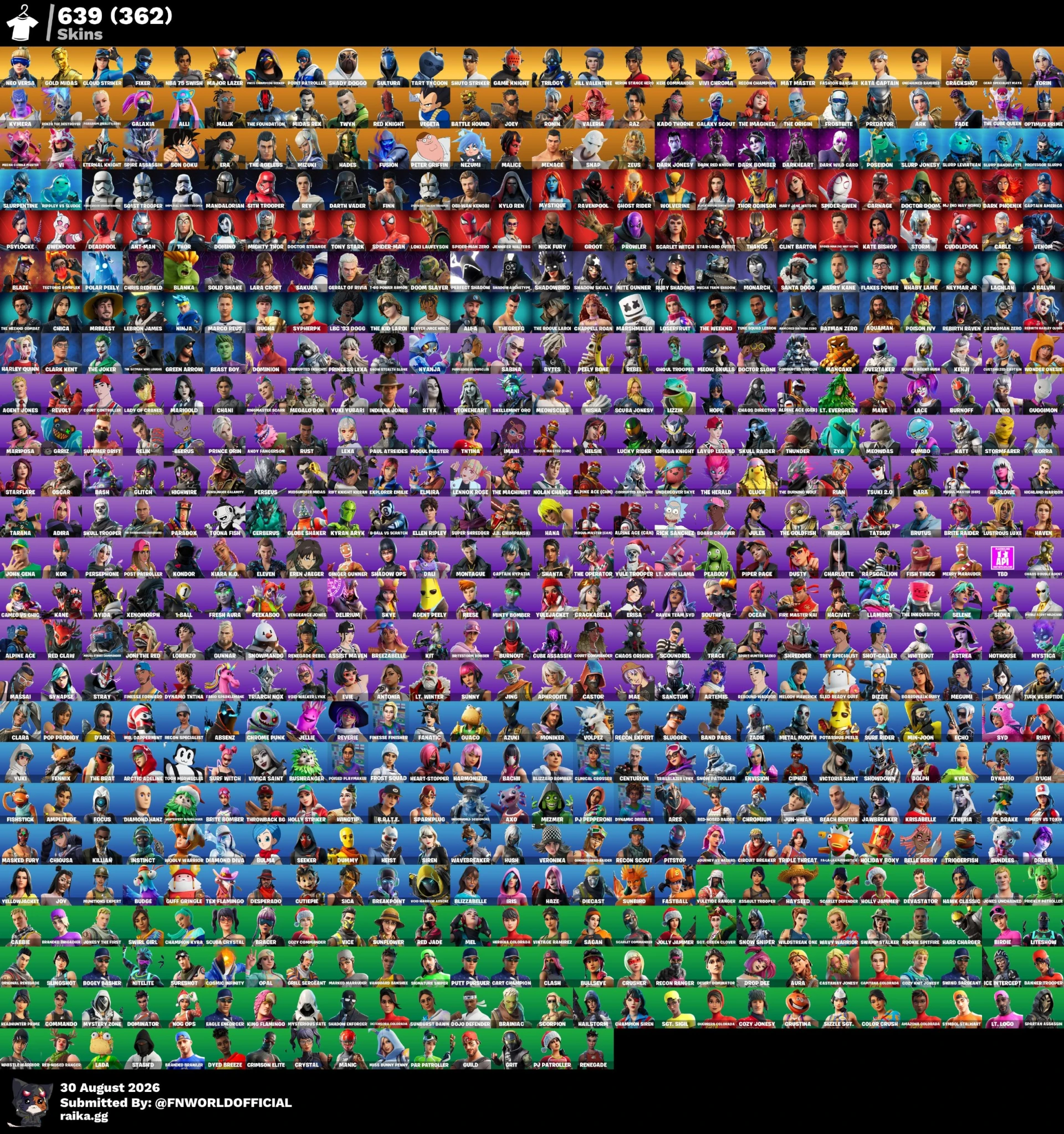
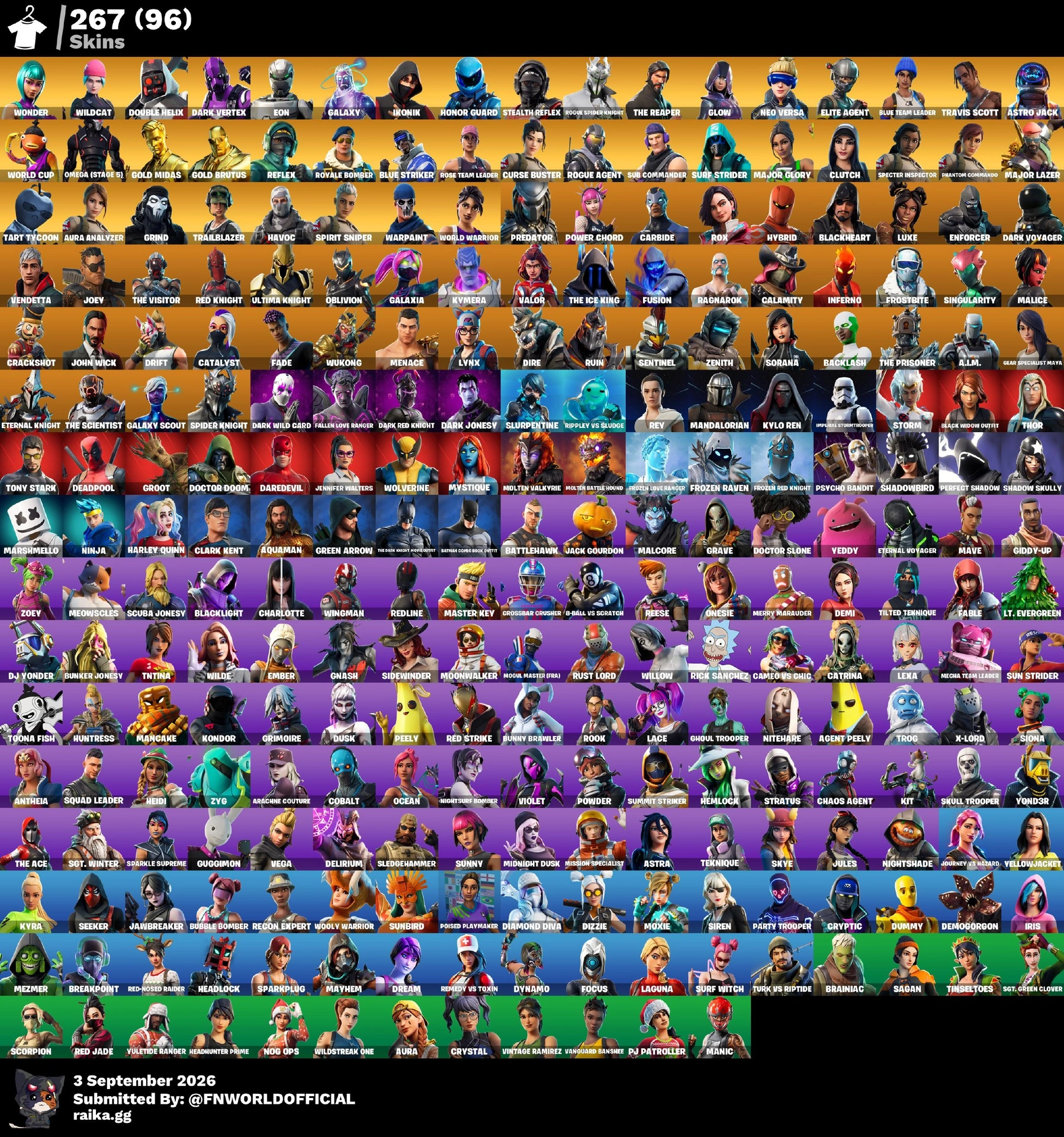
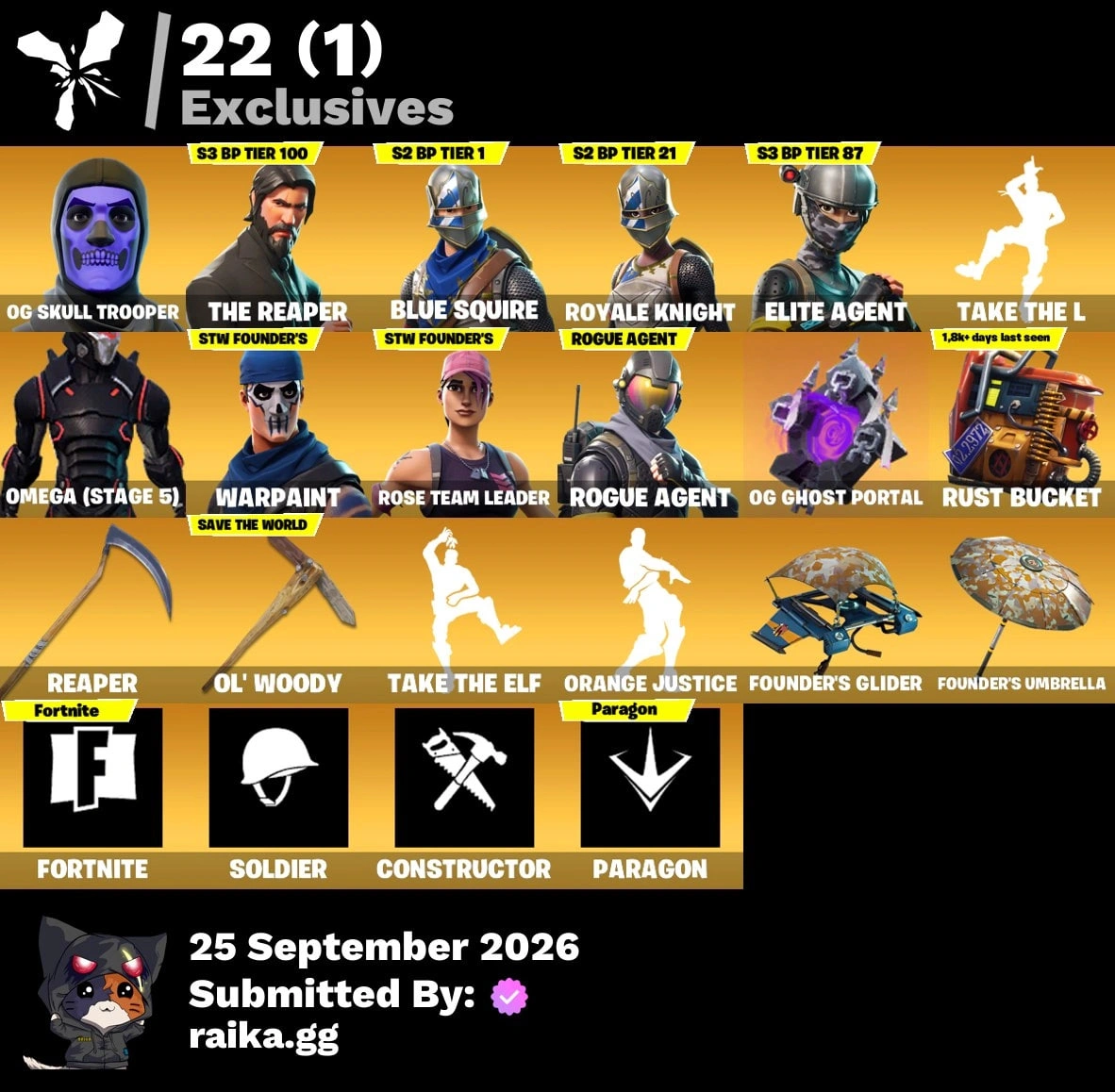
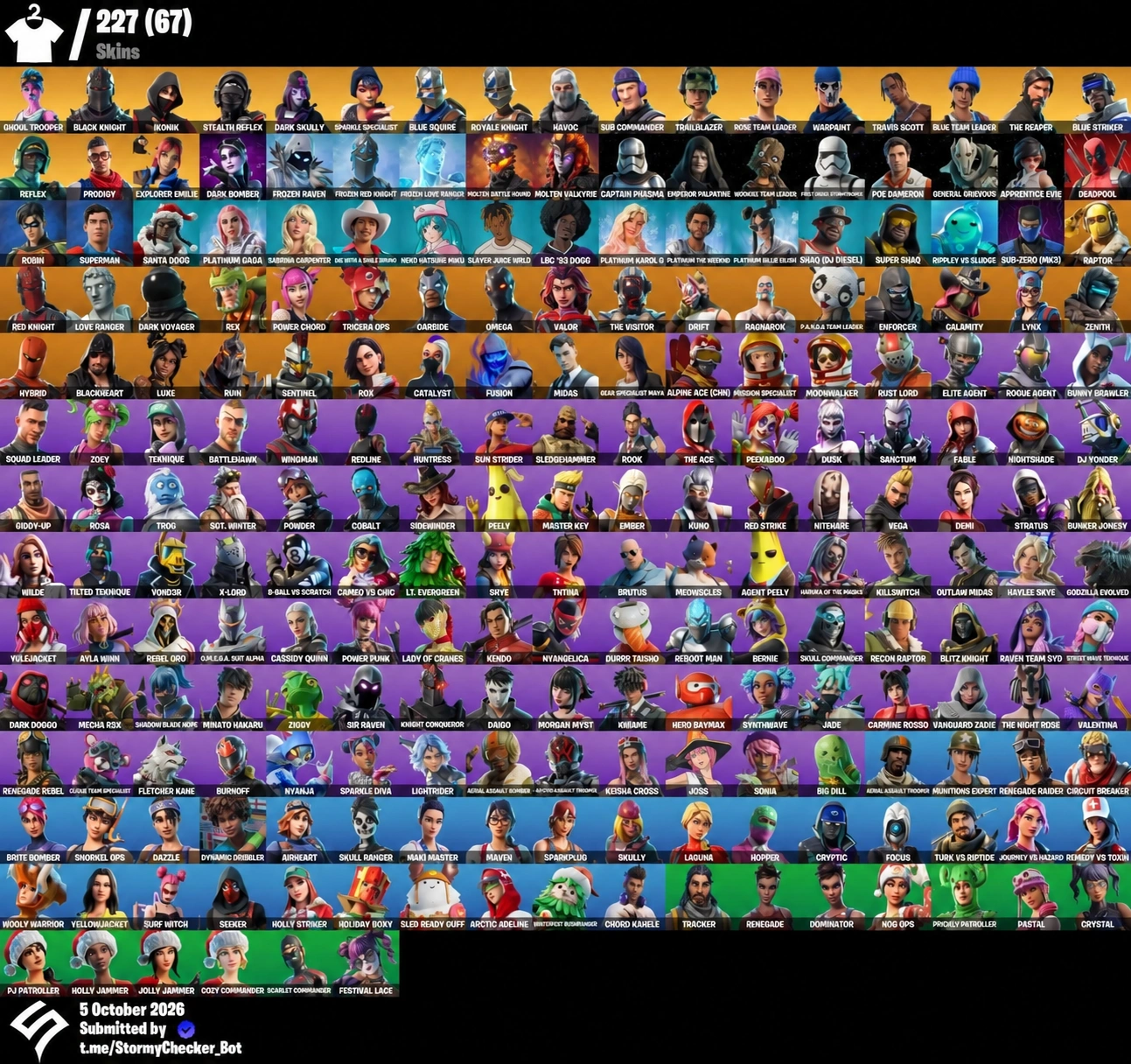
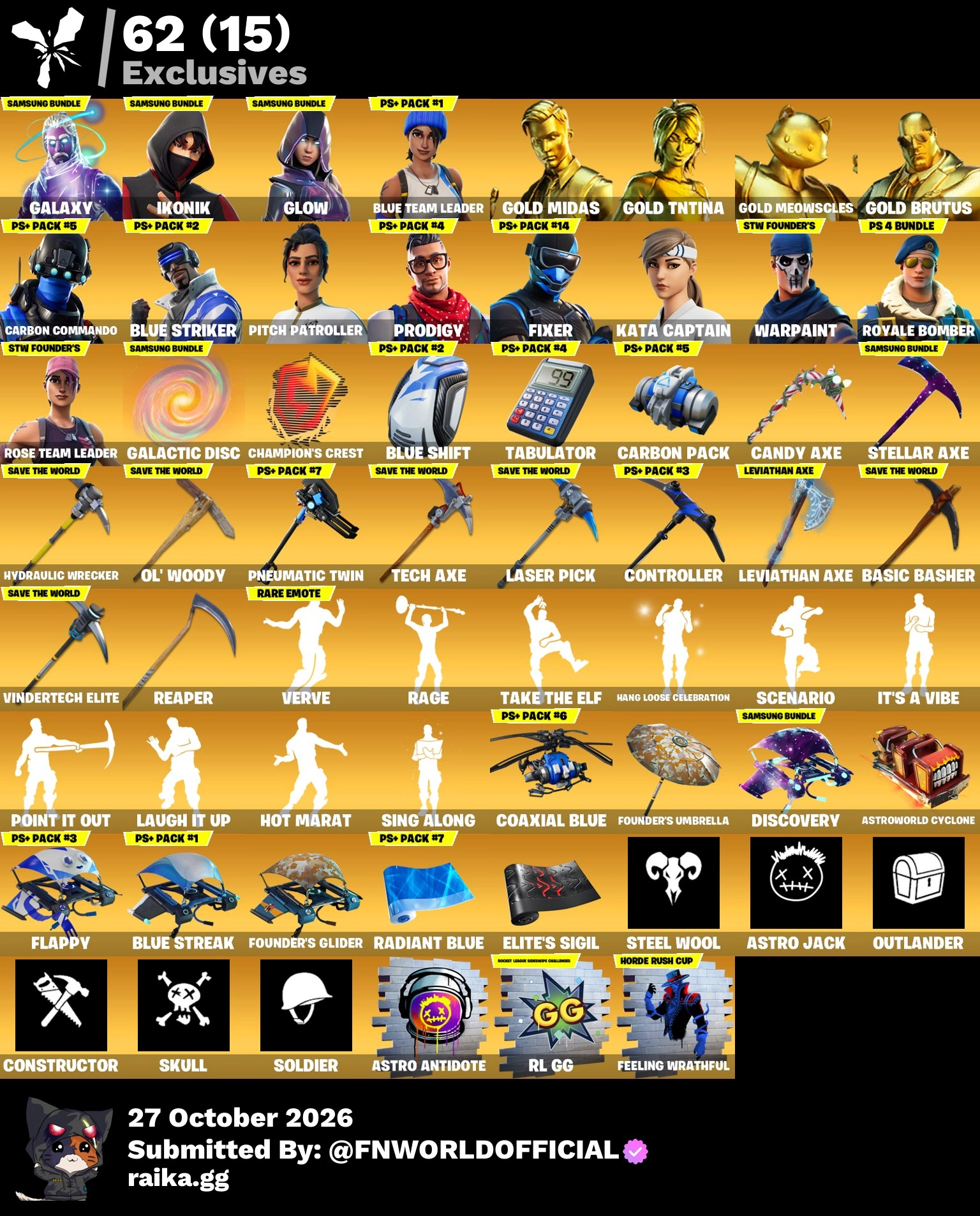
What You Receive When You Buy a Fortnite FA Account
When you order a Fortnite (FA) account from us, you get full account access: a login, a password, and email access included. On FA purchases the email is most often changeable, which is exactly what lets you take control of the account yourself. Every listing notes "Fresh Outlook Email + Mail changeable" where that applies, so check the product page for the wording on your specific order.
Delivery is manual and begins shortly after payment. You will receive your credentials through the order process, then follow the steps below in order. Complete them all in one sitting; the fastest way to lose an account you just paid for is to delay the email and password changes.
What You Need Before You Start
Have these ready before you open your new credentials:
- A personal, free webmail address that only you control. Do not use a work or shared inbox.
- A password manager or a notes app to save your new credentials as you create them.
- A phone for two-factor authentication, or an authenticator app set up on it.
Your first session should take no more than ten minutes. The fewer tabs and windows you juggle, the fewer mistakes you will make.
Step 1: Sign In and Change the Password First
The single most common mistake buyers make is browsing the account before securing it. Go straight to sign-in, log in with the delivered credentials, and change the password immediately. This is step one for the reason that it locks out anyone else who holds the old password.
Choose a long, unique password you have never used anywhere else. Do not reuse a password from another service. Save it before you confirm the change, because your next step signs you out.
Step 2: Change the Recovery Email
Now change the recovery email on the account. This is the step that makes the account truly yours, and it is the one buyers most often miss. On FA accounts the delivered email is changeable, so navigate to the account settings, find the email section, and swap the recovery email to your own address.
Your new email will receive a verification link. Open it and confirm before moving on. If you skip verification, the change may not stick and recovery instructions can still go to the old inbox.
After verification, sign out of all other sessions on the account. Any device that was logged in before you bought it must be revoked now, not later.
Step 3: Enable Two-Factor Authentication
Two-factor authentication (2FA) is the difference between a stolen password hurting you or not. It adds a second code that only your phone can produce, so even a leaked password is useless without your device. Setting it up takes two minutes and there is no real downside.
Use an authenticator app rather than SMS if the account offers that option. Authenticator codes are tied to your device and do not depend on a phone number that could be reassigned later.
Step 4: Save Your New Credentials Safely
Write down your new email, your new password, and your 2FA backup codes in your password manager now. Do not rely on memory and do not keep them in an unencrypted note on your desktop. Your backup codes are the only way back in if you lose your phone, so store them somewhere separate from the phone itself.
With all three changes done, log out and log back in to confirm the new credentials work. That round trip is your verification that the account is under your control.
What Not to Do After Delivery
Never share your credentials with anyone, not even a friend who wants to "try" a skin. Sharing is the fastest route to a reclaim, and it is a violation of most publishers' terms of service on its own. A shared account is also much harder to secure later, because you cannot control who still holds the old password.
Do not change the account's region, platform binding, or other profile details until you have completed the three steps above. Keep the changes limited to the security settings during your first session, then decide on the rest afterward.
Understanding FA, NFA, and the Warranty
FA means the email is changeable and the account can be moved fully onto your own email. NFA accounts, by contrast, ship with no email attached and require different handling. If you picked an FA account, the email change in Step 2 is the heart of your protection. For a fuller comparison, see our guide on the difference between FA and NFA Fortnite accounts.
All sales are final under our refund policy, so read the product description before you buy and complete your security steps immediately after delivery.
What Happens If the Account Gets Reclaimed
Our refund and replacement policy describes how recalls are handled. In plain terms, if the original owner recovers the account and you followed all the security steps above promptly, contact us and we will assess a replacement under the warranty terms shown in the policy. The details of what constitutes a covered recall are stated there, so read the policy when your order is delivered, not after a problem appears.
Promptly completing the email, password and 2FA changes is also what makes a recall claim simple to process. If you have changed the email to your own address, that change is on our records and verifiable; if you left the account untouched for days, a recall is harder to trace and harder to replace.
What to Do If Security Setup Fails
If the email change does not go through, or you are locked out mid-setup, stop and contact us right away with your order number. Do not keep retrying the email change, since repeated attempts can trigger an account lock on some titles. Our team works with you to get you back in or to process a replacement under the warranty.
If a step fails because the account is already locked when it is delivered, tell us as soon as you notice. The faster you report it, the easier it is for us to investigate while the records are fresh.
Ready to Choose Your Account
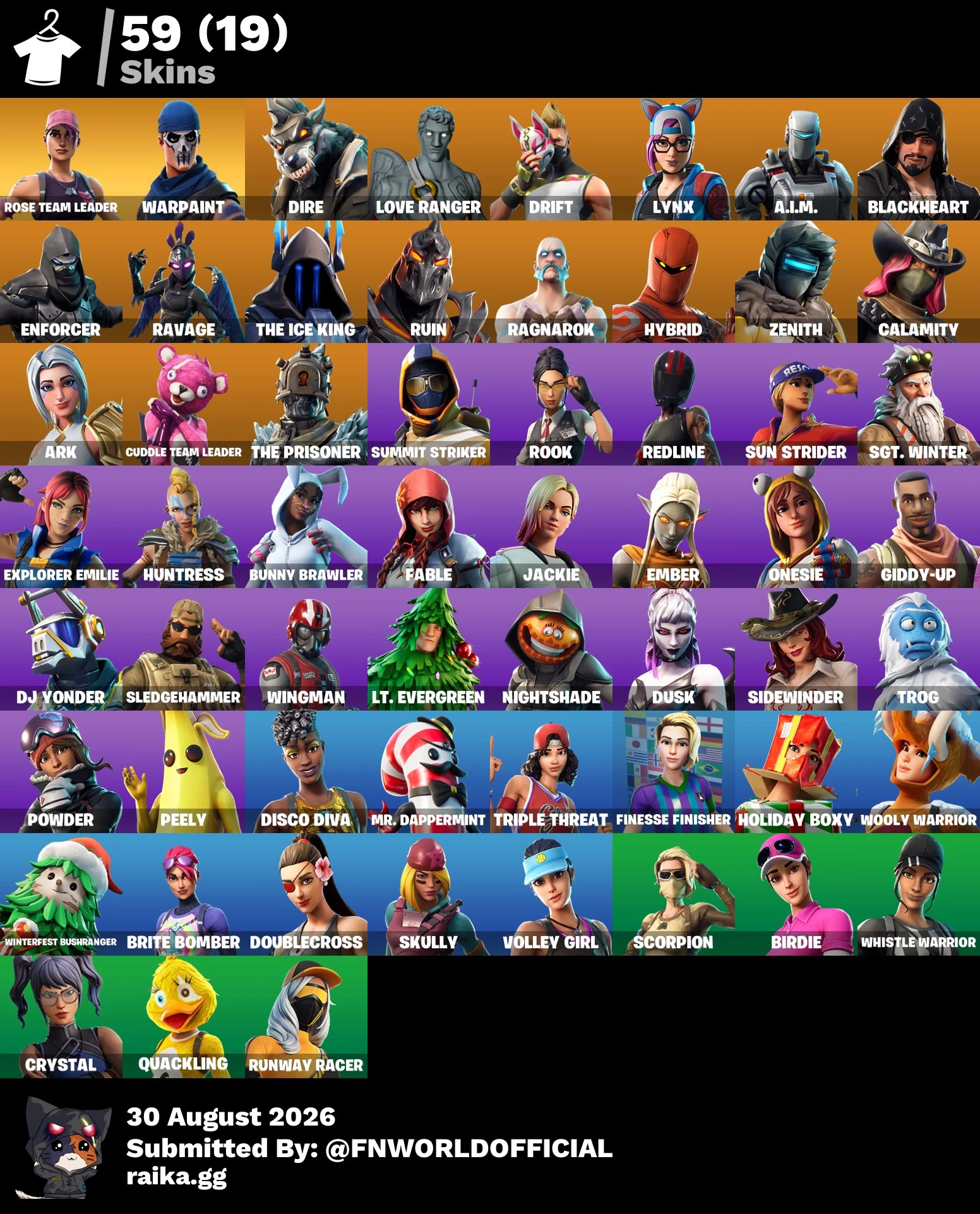
Securing an account only takes ten minutes once you know the routine. If you are still deciding, browse our Fortnite FA collection to find an account with your preferred skins, then secure it the moment it arrives using the steps above.